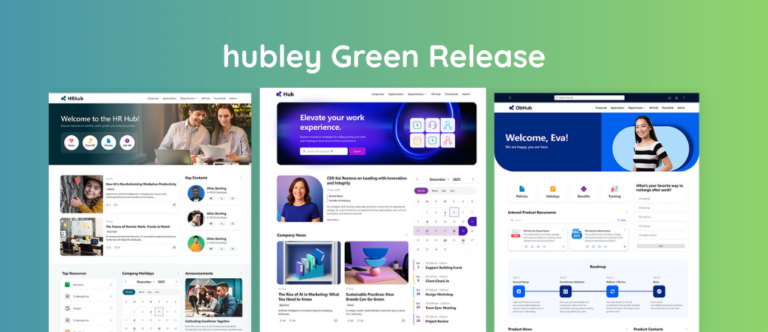
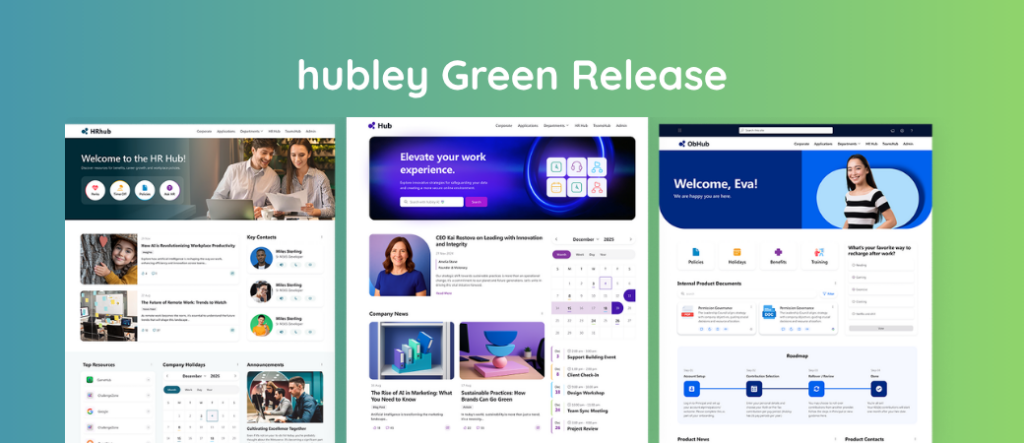
Each quarter, we release updates designed to make your intranet more powerful, polished, and personalized.
The Q4 2025 Green Release introduces new features and enhancements that help teams create more engaging experiences while maintaining clarity and consistency across their intranet.
Below is a look at what’s new and how these updates help teams get more value from hubley.
What’s New in Q4 2025 (At a Glance)
This quarter’s release focuses on:
- Faster intranet building with visual templates and previews
- More engaging content layouts that improve structure and discovery
- Clearer storytelling and communication through visual components
- Expanded design flexibility for high‑impact pages
Top New Features This Quarter
hubley Lookbook
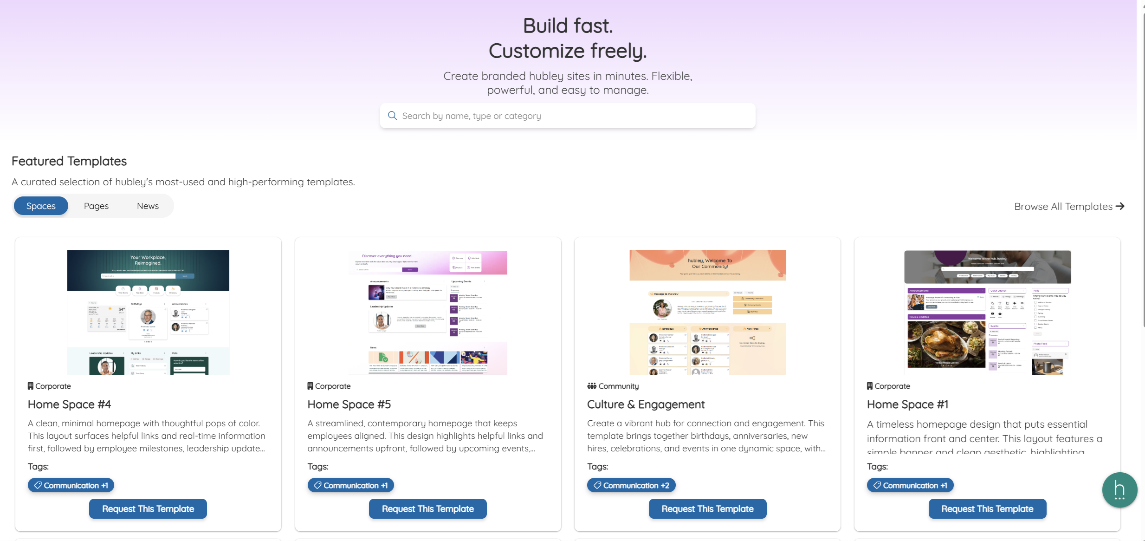
Introducing hubley Lookbook:
The new hubley Lookbook introduces a curated gallery of templates designed to help teams launch new Spaces faster and with confidence. Users can browse layouts, preview designs, and apply templates in just a few clicks.
Why it matters:
Instead of starting from scratch, teams can visualize their intranet before building it. This reduces guesswork, speeds up creation, and helps ensure consistent, on‑brand experiences across Spaces.
Note: This initial release includes Spaces templates. Site and News page templates are coming soon.
Tabbed Cards
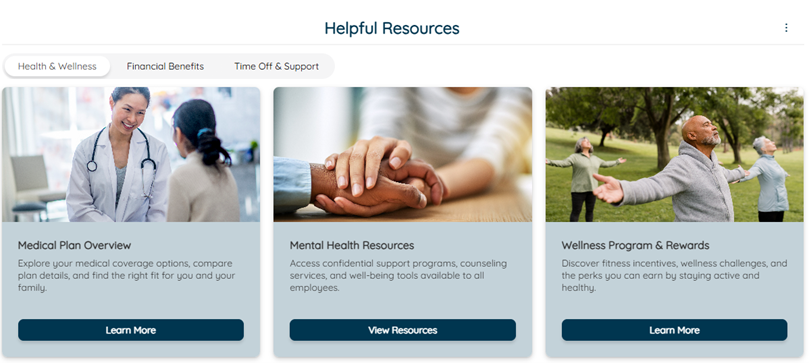
What Tabbed Cards Does:
The new Tabbed Cards webpart allows teams to group related content into interactive tabs within a single component. Each card can be customized with images or icons, color accents, and “Read More” details.
Why it matters:
Tabbed Cards make it easier to organize content without overwhelming users. They’re ideal for quick links, spotlight content, or team resources, bringing structure and visual interest together in one clean layout.
Process Overview
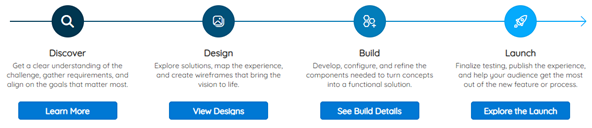
New: Process Overview:
The Process Overview webpart introduces a visual timeline that walks users through steps, milestones, or workflows. Teams can add clickable buttons that open links or display contextual pop‑ups.
Why it matters:
Complex processes—like onboarding, project phases, or key initiatives—become easier to understand and follow. This improves clarity while reducing the need for lengthy documentation.
Key Highlights

Overview of Key Highlights:
The new Key Highlights webpart allows teams to build custom cards that showcase important metrics, milestones, or insights. Styling options include flexible fonts, colors, and card layouts.
Why it matters:
Key Highlights help organizations tell their story visually—whether celebrating wins, sharing performance trends, or communicating priorities—without relying on dense reports or static content.
Feature Enhancement
hubley Banner Enhancements
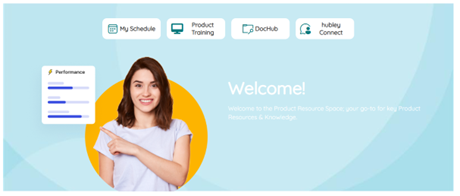
What changed: This release introduces a refreshed banner design experience with four new banner styles. Teams can now mix and match layouts, apply images or gradients, adjust vertical padding, and control background image positioning.
Why it matters:
Banners set the tone for a page. These enhancements give teams greater flexibility to create impactful, on‑brand top‑of‑page visuals that elevate the overall intranet experience.
What This Means for Your Intranet
With the Q4 2025 Green Release, teams can:
- Build and launch Spaces faster
- Present content in more engaging, structured ways
- Communicate processes and progress more clearly
- Create more visually consistent, polished pages
Together, these updates help intranets feel easier to manage—and more engaging for employees.
Getting Started With These Features
Some new features may require additional setup or configuration. If you need help enabling or using any of these updates, the hubley team is ready to assist through hubley Connect.
Customers can also explore additional documentation and guidance through their support channels.
Looking Ahead
We’ll continue investing in features that improve usability, personalization, and intranet adoption. More updates are on the way as we build on the foundation introduced in this release.