
SharePoint Knowledge Management for Microsoft 365
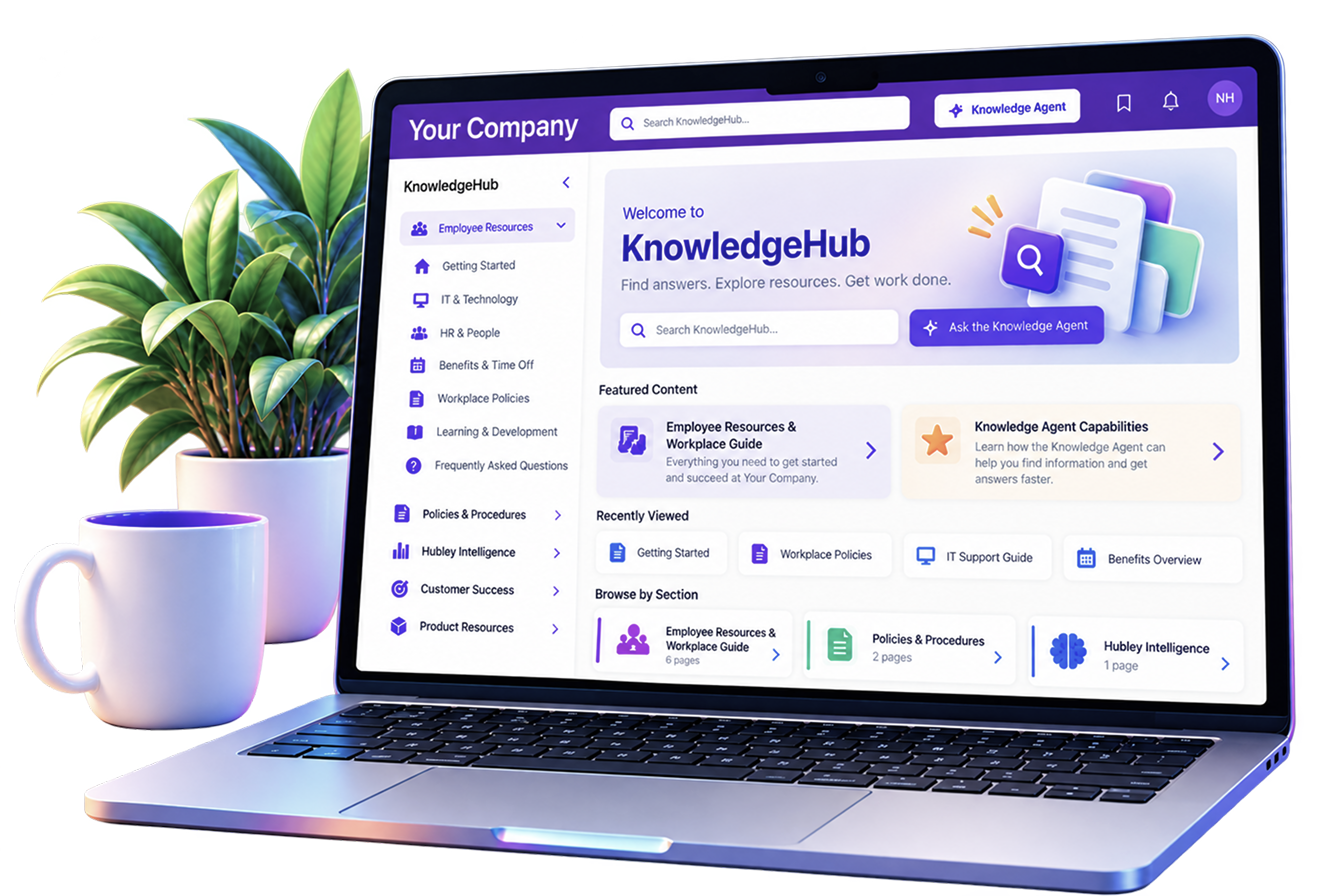
Turn scattered knowledge into answers people will find. Bring policies, procedures, guides, resources, and organizational knowledge into one structured, searchable place, with AI-powered answers built into the experience.
Gold Partner
Microsoft

SOC2 Compliant

Built On
Microsoft 365
Your Organization Already Has the Answers. Finding Them Is the Problem.
Important knowledge gets spread across pages, documents, folders, and departments. KnowledgeHub gives it a clear home, so employees can browse, search, and get answers without the hunt.

Organize Knowledge
Bring policies, guides, procedures, FAQs, and resources into one structured experience.
Find Answers Faster
Give employees clear paths to the information they need.

Reduce Repeated Questions
Make existing knowledge easier to discover so teams spend less time answering the same questions again and again.
Give Every Piece of Knowledge a Clear Place to Live
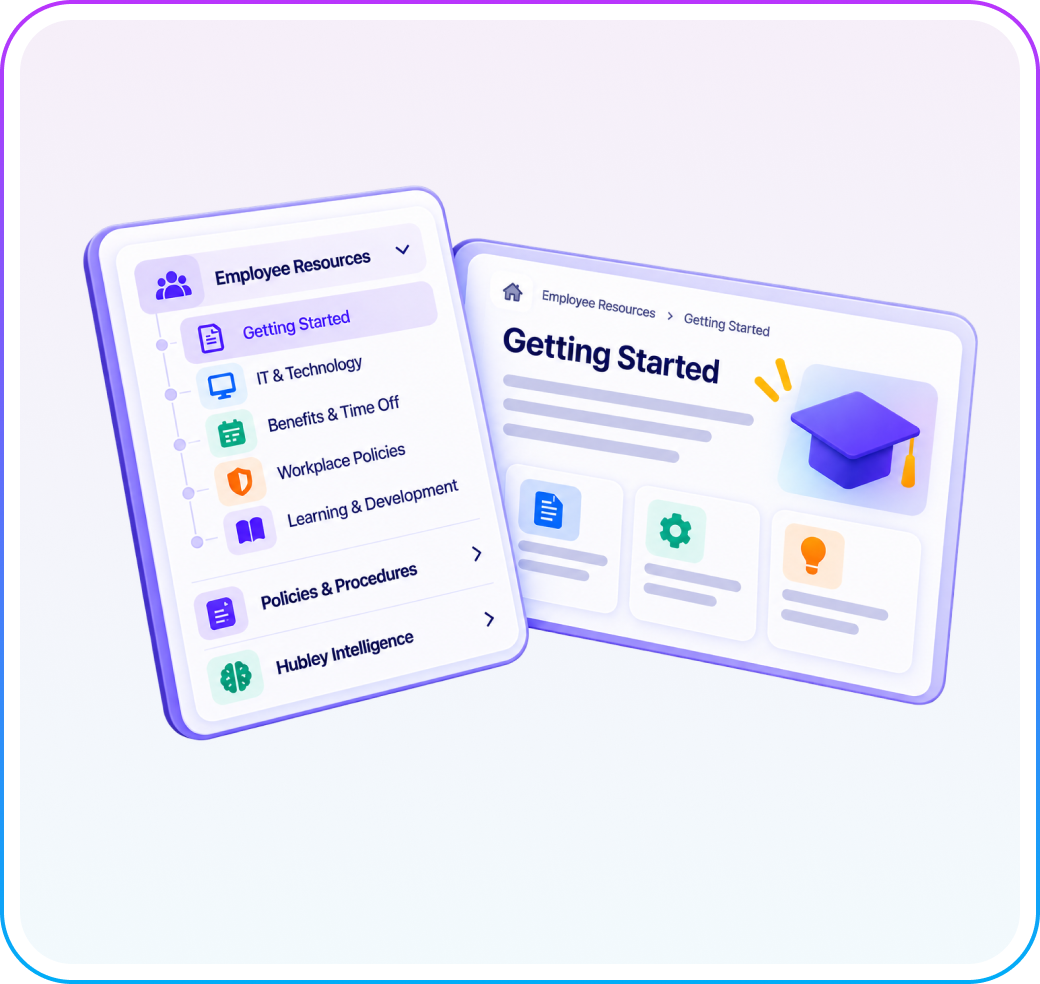
Organize knowledge into sections and pages with familiar wiki-style navigation, making even large knowledge bases easier to explore.

Clear Sections & Pages
Group related knowledge into logical collections that make sense for your organization.

Familiar Navigation
Keep the knowledge structure visible while employees browse from topic to topic.
Flexible Organization
Structure knowledge around departments, topics, programs, processes, or business needs.
Search When You Know What You Need. Ask When You Don’t.
KnowledgeHub gives employees two simple ways to get to the information they need.

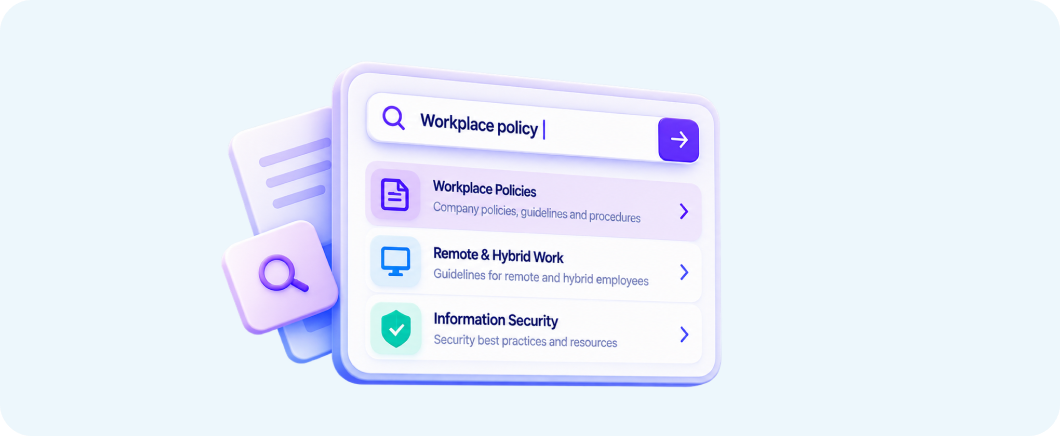
Search KnowledgeHub
Quickly find policies, procedures, guides, and resources across your knowledge base.

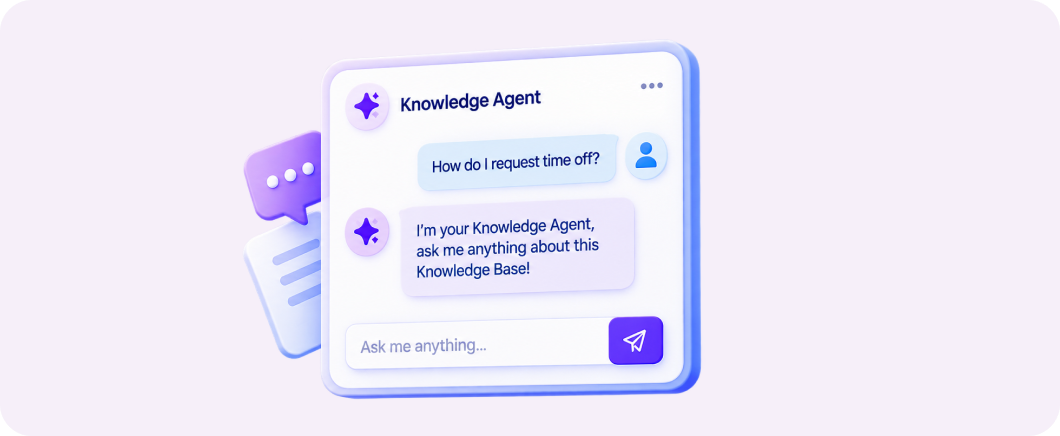
Ask the Knowledge Agent
Ask questions in natural language and get help finding answers from the knowledge available in KnowledgeHub.
Make Even Complex Knowledge Easy to Navigate
Give employees simple tools to move through detailed content, understand where they are, and return to useful information later.

Table of Contents
Jump directly to the section you need on longer knowledge pages.

Bookmarks & Favorites
Save important knowledge for quick access later.

Previous & Next
Move naturally through related pages without starting over.

Breadcrumbs
Keep your location within the knowledge structure clear as you browse.

Reading Time
Know how much time a page will take before diving in.
From Quick Answers to Detailed Documentation
Not every piece of knowledge looks the same. Create everything from simple employee resources and FAQs to policies, onboarding content, and detailed technical documentation.
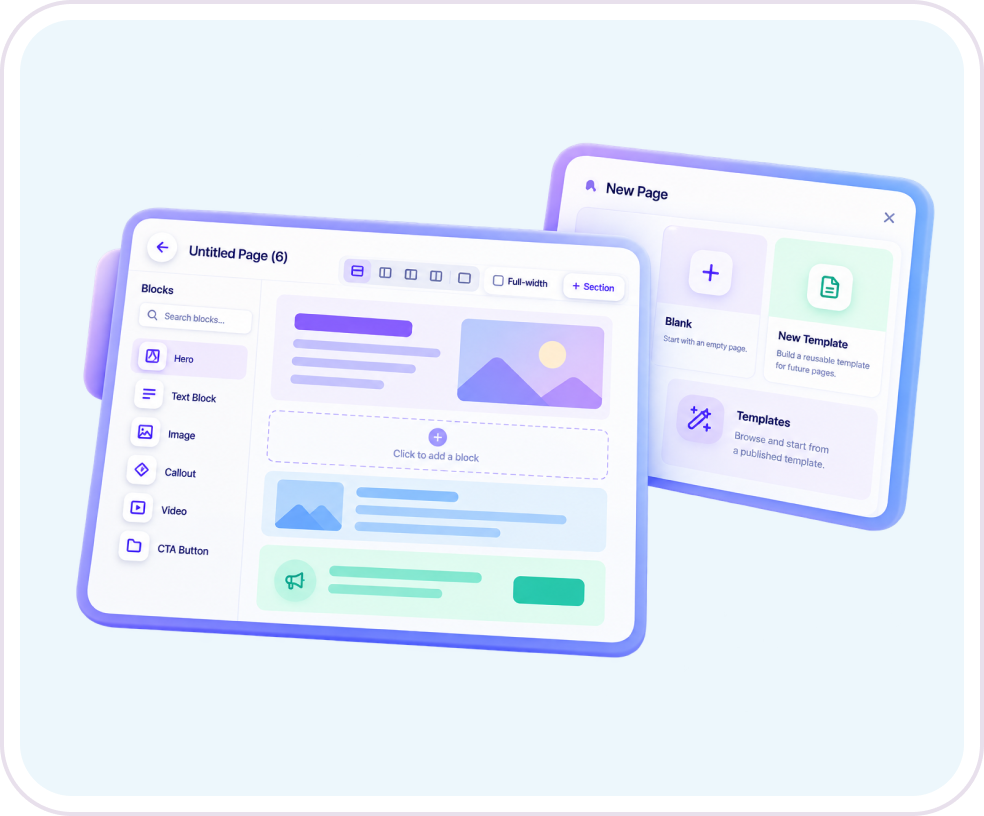
Flexible Pages
Build quick resources or detailed long-form documentation.

Reusable Templates
Give teams a consistent starting point for recurring types of knowledge.

Rich Content
Combine text, imagery, links, contacts, and supporting resources into useful pages.
Structured by Design
Keep new knowledge connected to the right section instead of creating another isolated page.

Page Ownership
Show who is responsible for the information so employees know who owns the answer.

Last Modified
Give readers visibility into when information was most recently updated.

Relevant Knowledge
Structure knowledge around the teams, departments, programs, and business needs it serves.
Make It Clear Who Owns the Answer
Useful knowledge needs more than a place to live. Give employees context around the information they rely on and keep ownership easy to understand.
A Knowledge Experience Built for Microsoft 365
KnowledgeHub combines structured navigation, flexible content, search, and AI-powered assistance into one connected knowledge experience within your Microsoft 365 digital workplace.


Organize
Turn scattered information into structured knowledge.

Navigate
Make complex knowledge easier to explore.

Find
Search for answers instead of hunting through pages and folders.
Ask
Use the Knowledge Agent when you need an answer, not just a document.
Build Knowledge Around the Way Your Organization Works
KnowledgeHub isn't limited to one department or one type of content. Create structured knowledge experiences wherever employees need reliable answers.

IT Knowledge Base
Give employees one place for how-to guides, troubleshooting, system documentation, FAQs, and technical resources.

Compliance & Regulatory Hub
Organize policies, procedures, standards, and compliance documentation so employees can find the information relevant to their work.

Employee Onboarding
Create an organized home for onboarding resources and department-specific knowledge employees can return to after their first week.

Frontline & Service Knowledge
Help employees supporting members, residents, patients, or customers quickly find the information they need.

Support Knowledge Base
Create a shared source for answers, processes, troubleshooting information, and support guidance.
Frequently Asked Questions
What is KnowledgeHub?
KnowledgeHub is a structured knowledge experience that gives organizations one place to organize, browse, search, and access internal knowledge.
Is KnowledgeHub a wiki?
KnowledgeHub includes familiar wiki-style navigation, but goes beyond a traditional wiki with search, flexible content, navigation tools, and AI-powered assistance through the Knowledge Agent.
What can we use KnowledgeHub for?
Use KnowledgeHub for policies and procedures, IT documentation, employee onboarding, department resources, support content, FAQs, technical guides, and other organizational knowledge.
What is the Knowledge Agent?
The Knowledge Agent gives employees a conversational way to ask questions about the information available in KnowledgeHub and get to answers faster.
Can KnowledgeHub support long or technical documentation?
Yes. KnowledgeHub supports detailed content and includes tools such as table of contents, breadcrumbs, reading time, bookmarks, and page-to-page navigation to make longer resources easier to use.
Give Your Teams One Place to Find What They Need
Turn scattered information into an organized knowledge experience employees can browse, search, and ask.