Introduction
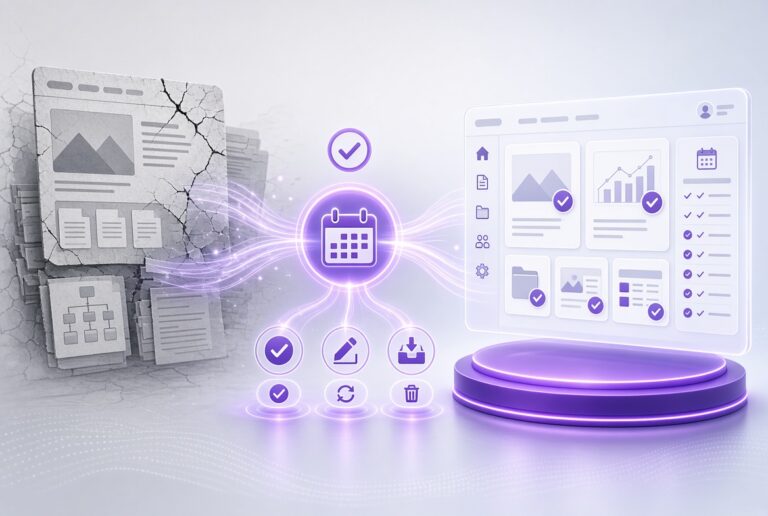
A modern SharePoint intranet becomes the place employees go for company news, policies, tools, and answers. Built poorly, it sits unused. Built well, it cuts email noise, speeds up onboarding, and keeps distributed teams connected.
This post covers the decisions that separate useful SharePoint intranets from ignored ones, then explains how hubley handles implementation, support, and ongoing updates for organizations that want the result without building everything from scratch.
Why organizations still invest in SharePoint intranets
Employees already work inside Microsoft 365. A native SharePoint intranet rides on that investment instead of adding another platform. It gives internal communications one place to publish, reaches people in Teams and email as well as the browser, and keeps data inside the Microsoft tenant for security and compliance.
SharePoint supplies the foundation. The intranet layer is what makes the experience clear, targeted, and worth opening every day.
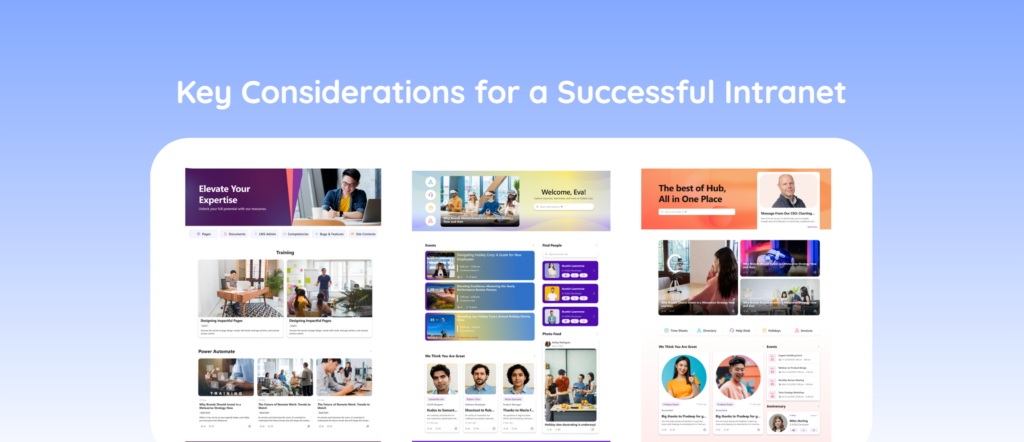
Key considerations for a modern SharePoint intranet
1. Begin with the work people need to do
Most failed intranets start with site maps and web parts. Useful ones start with the actual jobs: finding a policy, reading leadership updates, completing onboarding steps, locating an expert, submitting a request. Map the primary audiences — desk workers, frontline staff, managers, new hires — and the metrics that will show whether the intranet is working (time to find information, message reach, adoption rate, reduction in all-hands email volume).
Design follows those jobs. Technology choices come after.
2. Keep the information architecture flat
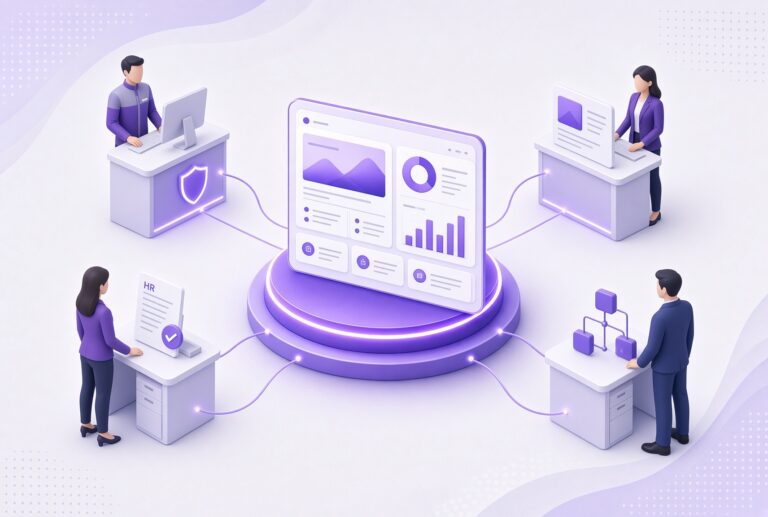
Classic SharePoint hierarchies of subsites create broken links and ownership confusion. Modern SharePoint works better with a home site, hub sites for shared navigation and branding, communication sites for news and departments, and team sites (tied to Microsoft 365 Groups) for collaboration. Assign a clear owner to every site so content stays current.
This pattern scales from a few hundred employees to tens of thousands without forcing constant re-architecture.
3. Publish once and reach people where they work
News that only lives on an intranet homepage gets missed. Internal communications teams need to target audiences and push the same message to the intranet, Microsoft Teams, email digests, and a mobile app from a single publish action. Track what was opened and acted on so the next message improves.
Organizations that treat the intranet as one channel among several see higher actual reach than those that treat it as the only channel.
4. Personalize by role, team, and location
A single homepage for everyone forces people to filter noise. Targeted news, role-based home experiences, and tools that surface by department or location make the intranet feel relevant on the first visit. Personalization is one of the clearest drivers of daily use.
5. Use AI that stays inside your Microsoft tenant
Employees already expect help drafting content, finding answers across SharePoint and Teams, summarizing long documents, and automating routine steps. Keep that AI activity inside the Microsoft 365 tenant so data never leaves your security boundary. Practical uses include drafting announcements and policies, unified search, and simple agents that answer common questions from your own content.
6. Plan governance and continuous updates from day one
An intranet that looks finished at launch starts decaying within a year without owners, review cycles, and a way to add capabilities. Define light governance (who owns what, how often content is reviewed, brand standards), train content authors, and budget for ongoing improvement. Without that, even a well-designed site becomes outdated furniture.
7. Prefer native Microsoft 365 over a separate platform
Standalone intranet products add another login, another security review, and another system to maintain. A SharePoint-native intranet uses the licenses, identity, compliance controls, and integrations you already have with Teams, Viva, OneDrive, Outlook, and the Power Platform. For companies already on Microsoft 365, that usually produces lower total cost and fewer adoption barriers.
How hubley delivers a modern SharePoint intranet
hubley is a Microsoft Gold Partner that is dedicated to building SharePoint-based intranets. The platform sits natively on SharePoint and Microsoft 365. It adds the experience layer — clearer design, targeting, mobile app, AI tools, analytics — so organizations get a usable intranet without assembling every piece themselves.
Between hubley’s best-in-class features and expert support, we’ve helped hundreds of organizations from every industry and size build successful intranets that address each of the key considerations above.
Full-service implementation
Most hubley projects reach go-live in four to eight weeks. The process covers discovery workshops, configuration with tested templates, branding, governance setup, and training for the people who will run the site day to day. Organizations avoid the long-term builds with poor results that are all too common.
Unlimited white-glove support (hubley Green)
Every hubley intranet client gets hubley Green. That includes a dedicated Customer Success Manager, unlimited support from SharePoint specialists, and live training sessions shaped to your team’s intranet needs. Internal communications, HR, and IT staff can update content and adjust features without waiting on a ticket queue or hiring extra specialists.
Features and quarterly releases
The platform ships with more than ninety features: omnichannel publishing, audience targeting, employee mobile app, Teams integration, smart email delivery, analytics, and hubley Intelligence for advanced AI and Analytics across your intranet. New features and design refreshes are released every quarter.
What To Do Next
If your current SharePoint sites are underused, or you are planning a new intranet and want to avoid the common traps above, schedule a demo. hubley will walk through how the platform, the four-to-eight-week implementation, unlimited support, and quarterly releases would apply to your organization.
Frequently Asked Questions
A private employee site built on Microsoft SharePoint and Microsoft 365 that serves as the main place for company news, policies, tools, and knowledge. It differs from classic SharePoint by focusing on clear navigation, personalization, mobile access, multi-channel publishing, and regular updates.