
The Intranet Where Firm Knowledge Doesn't Get Lost
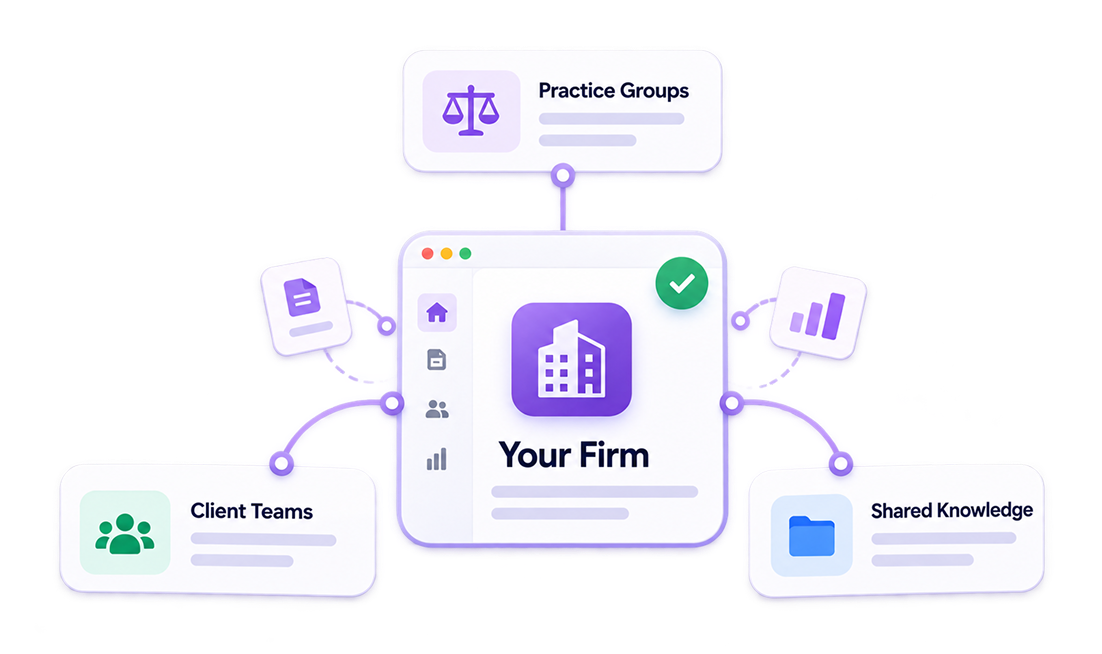
hubley connects partners, practice groups, and client teams to shared knowledge, people, and reporting, all inside the Microsoft 365 tenant your firm already runs.
Request a Demo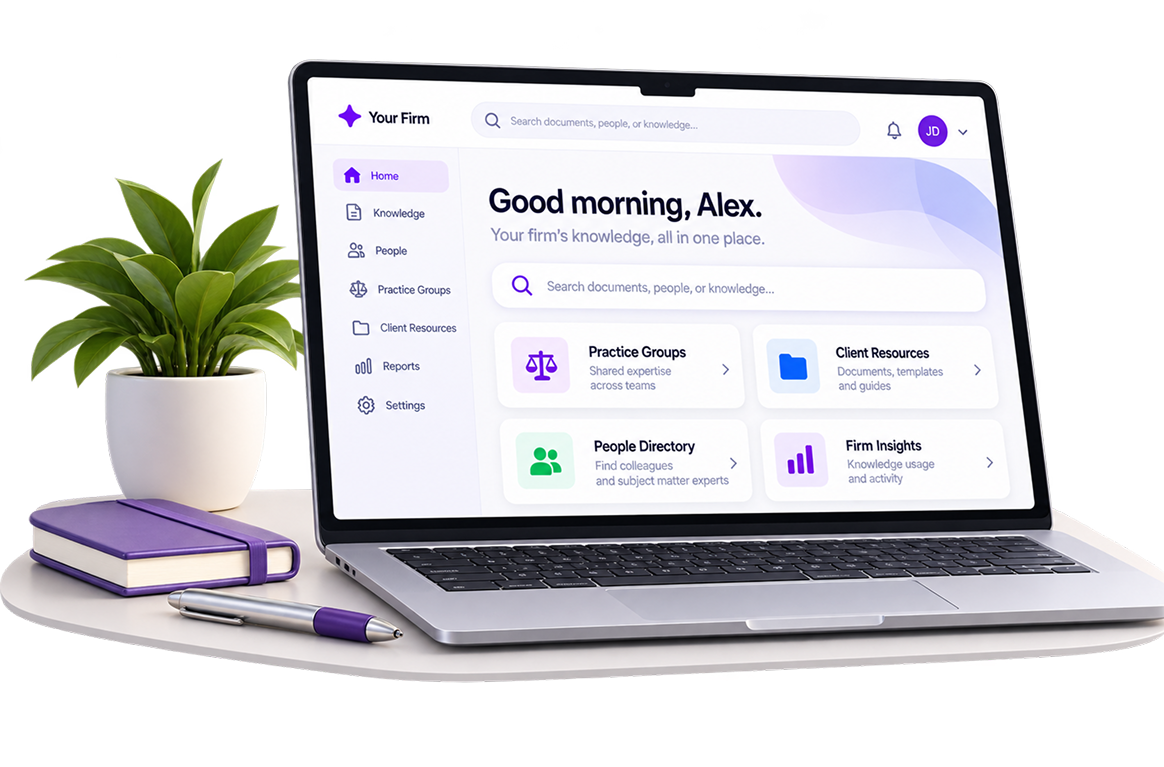

Microsoft Gold Partner

Built on Microsoft 365

Inc. 5000
Your Firm's Knowledge, Finally Searchable
Billable hours matter, so hubley puts AI to work finding answers instead of leaving your team to search for them.

Chat with precedents, templates, and policies to get instant answers without digging through shared drives

AI Writing Assistant helps teams draft client-ready content and internal documentation faster

Agents and bots field routine questions about firm policies and procedures, freeing staff to focus on client work

Analytics reveal what your team searches for most, so documentation gaps get closed before they cost billable time
Every Firm Has a Knowledge Problem.
Most Ignore It.
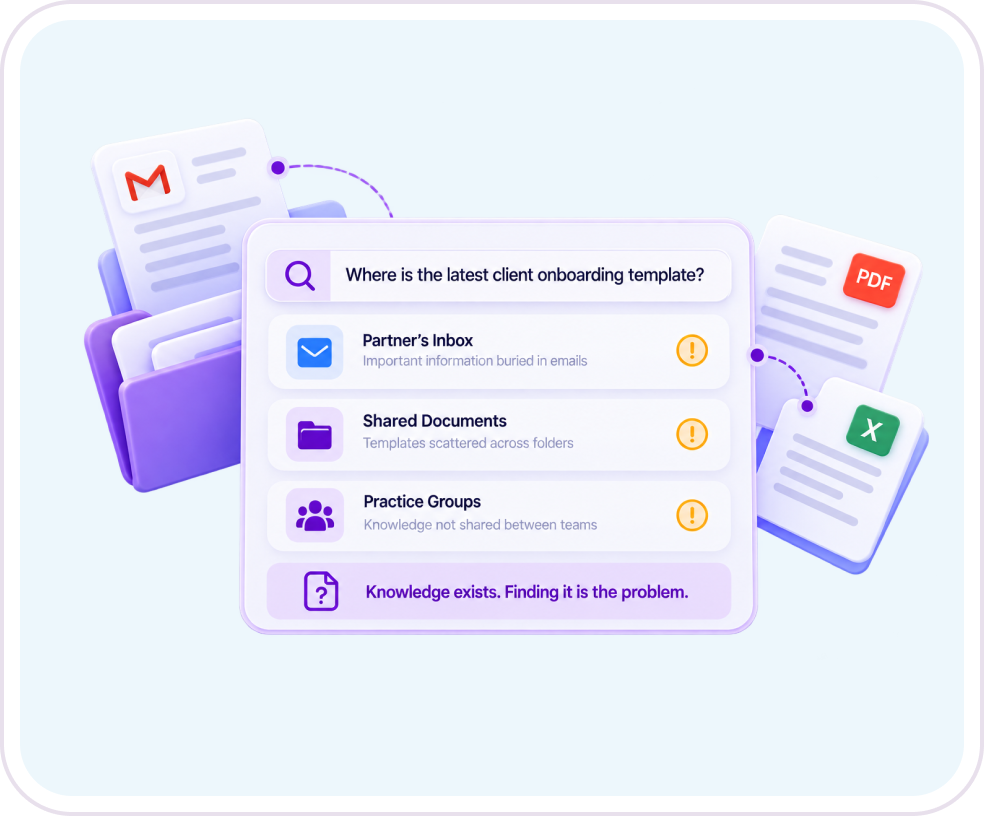

Institutional knowledge
lives in one partner's inbox instead of a place the whole firm can search

A new associate
spends their first week learning where things live instead of doing billable work

Templates, policies, and client resources
sit in disconnected systems nobody remembers to check

Two practice groups
can spend hours solving a problem a third group already solved last quarter
Included From Day One: NewsHub, the Employee App, and AnalyticsHub
On top of the tools above, every hubley firm gets these three without an extra line item.

NewsHub gives your firm one dashboard to publish updates and reach every practice group at once.
Learn More About NewsHub

The Employee App puts the directory, calendar, and firm resources on every employee's phone, in the office or on the road.
Learn More About Employee App
AnalyticsHub shows which policies, resources, and updates are actually reaching your teams.
Learn More About Intranet AnalyticsWhy Professional Services
Firms Choose hubley

Knowledge That's Actually Findable:
AI-powered search surfaces the document, policy, or precedent you need in seconds, something native SharePoint search often can't do without heavy customization.

One Directory, Every Practice Group:
Find the right person across departments and locations without asking around.

Dedicated Spaces for Every Team:
Give each practice group, client team, or project its own organized, permissioned space.

Support That Scales With Your Firm:
Every hubley client works with a dedicated Customer Success Manager through hubley Green.
Built for the Way Professional Services Firms Operate
Purpose-built tools for keeping practice groups, client teams, and firm knowledge connected.

SearchHub.ai
SearchHub.ai puts every precedent, template, and policy within reach, so your team stops digging through shared drives to find what they need.
- Search documents, spaces, people, news, and sites from a single bar instead of five separate ones
- Get an AI-generated answer up front, not just a list of files to open one by one
- Summarize a long document or chat with it directly instead of reading it start to finish
- See what your team searches for most, so you know exactly where documentation is thin

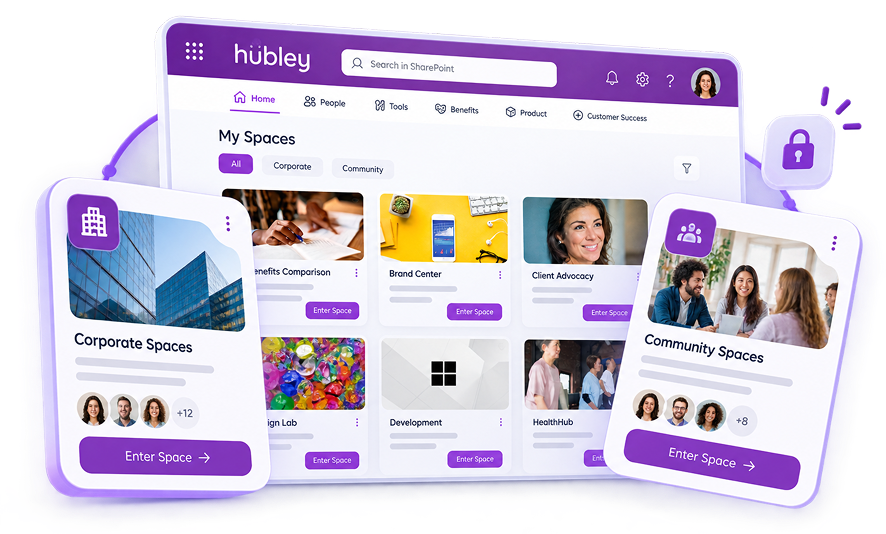
Spaces
hubley Spaces gives every practice group, client team, or project its own home, with the permissions to match.
- Spin up a dedicated space for a practice group, project, or client team in minutes
- Set permissions so the right people, and only the right people, have access
- Keep project sites, department pages, and collaboration spaces organized in one system
- Retire a space when a matter closes without losing the record
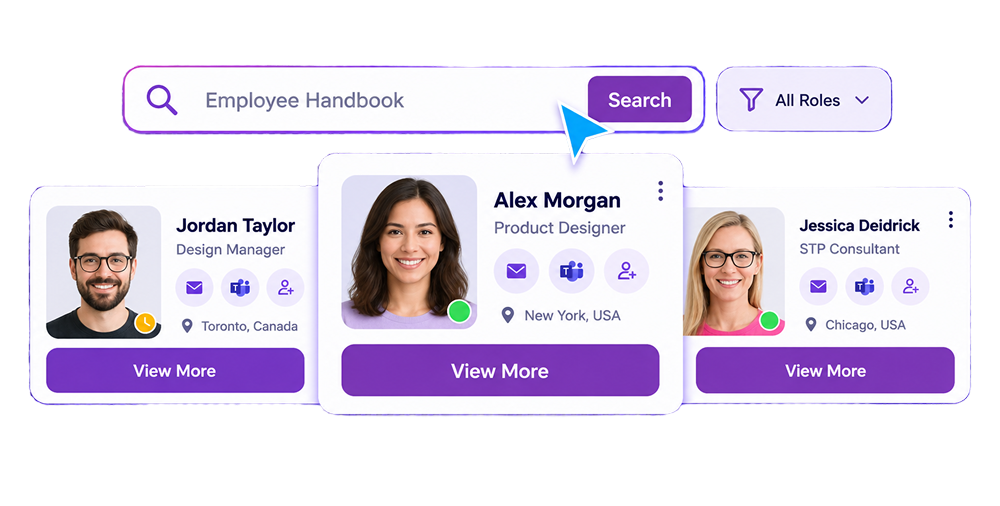
People Finder
People Finder gives every employee a fast way to find the right subject matter expert, no matter which office or practice group they sit in.
- Search the full staff directory from any page on the intranet
- Filter by practice group, office, or area of expertise
- Pull up contact information and role details in seconds
- Reconnect with a colleague without leaving the page you're on
Security That Protects Client Confidentiality
Client confidentiality isn't optional in professional services. hubley builds on Microsoft 365's security foundation with controls firms can point to when a client or regulator asks.

Documentation That Holds Up:
Policy acknowledgment and audit records are ready whenever a client, regulator, or partner asks for them.

SOC 2 Certified, Not Just Self-Attested:
Security, availability, and confidentiality standards your clients and procurement team can independently verify.

Access by Role, Not by Guesswork:
Client matters, financial data, and firm records stay visible only to the people who need them.

Protected in Every Direction:
Data stays encrypted at rest and in transit, inside the Microsoft 365 tenant your firm already runs.
Frequently Asked Questions
A professional services intranet centralizes firm knowledge, client resources, and practice group directories, while giving leadership real-time visibility into how information moves across the firm.
Look for AI-powered search, dedicated spaces for practice groups and client teams, and a directory that lets staff find the right expert fast. hubley includes all of these, plus reporting.
Yes. The hubley Employee App is mobile-friendly on Android and Apple devices, so staff can get the information they need without being tied to the office.
PolicyHub+ tracks reviews, approvals, and acknowledgments for every firm policy, and keeps version control so your team always works from the current document.
Yes. hubley Spaces lets you spin up a permissioned space for any practice group, project, or client team, and retire it when the matter closes.
People Finder lets any employee search the full staff directory by practice group, office, or area of expertise, and pull up contact details in seconds, the same directory and search experience covered in more depth on hubley's team collaboration page.
Ready to Connect Every Practice Group and Client Team?
See how hubley brings your firm's people, knowledge, and reporting into one connected place.

Book Your Personalized Firm Demo
Find what your firm already knows, in seconds.
See how hubley brings precedents, policies, practice groups and client teams into one secure, searchable place, so your people spend less time hunting for answers and more time on billable work, right inside the Microsoft 365 tenant you already trust.
- A demo built around your practice groups, not a generic slide deck
- See AI search find the right document, policy or expert, live
- Straight answers on client confidentiality, security and rollout
